01
Your Release Page
Bring the title, artwork and recording together on a public track page. Share the link when your release is approved and live.
Upload your music to BeatsToRapOn and give fans somewhere to press play. Bring your songs, beats or DJ sets. Add artwork, build your artist profile and share your sound. Approved, eligible releases reach listeners on the web and in BTR Music for iPhone and Android.
A finished recording deserves a page people can recognize, return to and share. Bring your music and your artist identity together, then give every release a clear next step.
Bring the title, artwork and recording together on a public track page. Share the link when your release is approved and live.
Connect listeners with the person behind the music through your profile image, bio and catalog.
Choose the sound that fits your release so listeners browsing that genre can understand what you make.
Send people to your artist profile as your catalog grows. Give your next song the same recognizable home.
Prepare the recording, complete the details and submit it through your BTR workspace. Uploading is the first step; approval and publication make the release available to listeners.
Check the finished recording from start to finish. Keep your original export and use the supported file types and limits shown in the uploader.
Sign up or log in. Add your artist name, a profile image and a short bio so the release connects to a complete artist identity.
Go to your track workspace and start an upload. Choose the audio file you want listeners to hear.
Enter the track title, select the correct genre and add custom cover art. Include useful information and accurate credits.
Complete the upload and approval process. Once the track is live, check the public page and share its URL with your audience.
Open your workspace and start with the music you are ready to release.
Visit these existing BTR artist profiles to see how a public music identity comes together. Then build the page you want fans to find when they hear your next release.
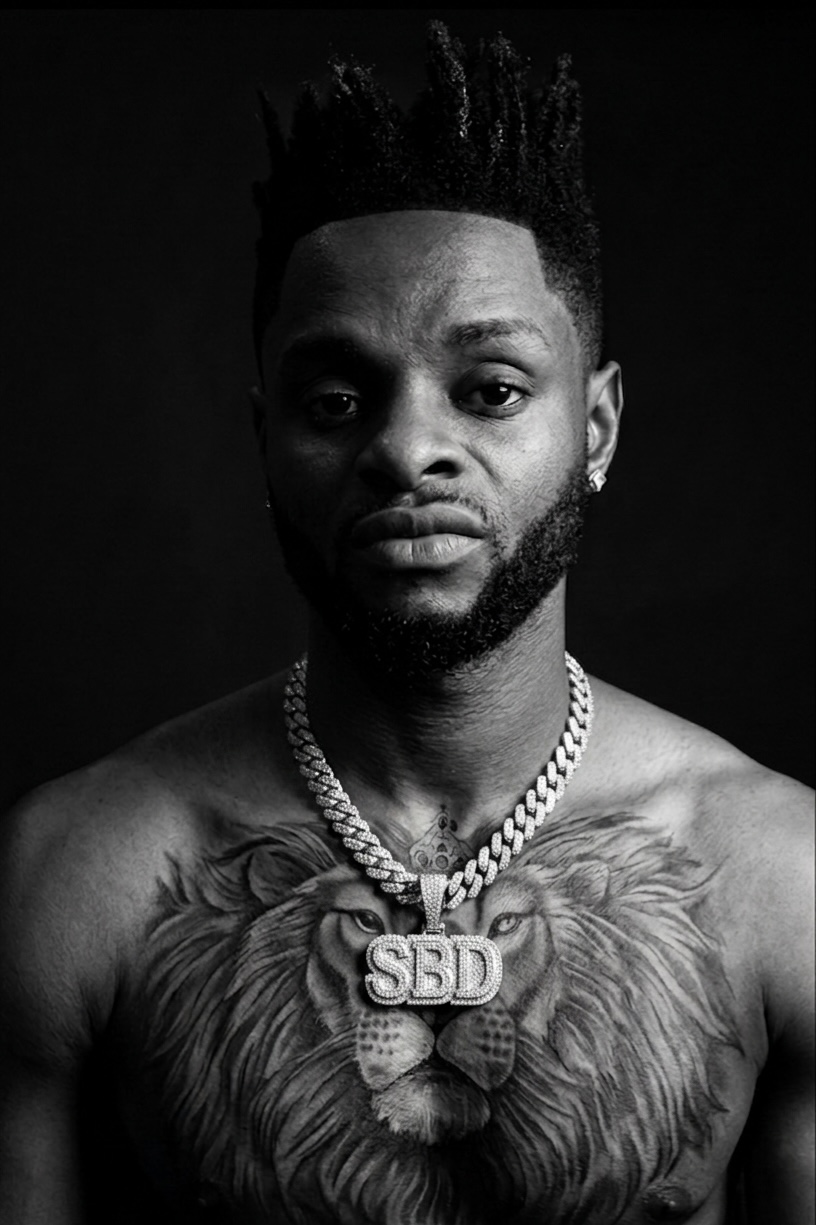 Artist Profile
 Artist Profile
 Artist Profile
Build your artist presence around the music you release.
You manage uploads on BeatsToRapOn. BTR Music is the listening app on iPhone and Android. Approved, public and eligible tracks can become available in the app without a second artist upload.
A real profile image, custom artwork, an accurate title and the right genre all help present your music clearly. Complete the details before sending people to your page. Read the BTR Music artist guide for availability and eligibility.
Eligible artists can use Superfans, Tips, Backers, Shoutouts, Rewards and Vault collectibles in BTR Music. Streaming earnings follow a separate eligibility model. The artist guide explains the available products; the Payment Terms explain how earnings work.
DJ mixes containing third-party music follow separate rules. Unlicensed DJ mixes do not earn streaming or direct-fan payouts.
Rap, vocals, instrumentals and club records all need useful context. Choose the closest available genre in the uploader rather than chasing a label that does not fit your recording.
A free BTR account lets you start uploading without buying Artist Pro. Choose the tools around the catalog you have today.
| What You Need | Free | Artist Pro |
|---|---|---|
| Upload allowance | Up to 10 tracks total | Unlimited uploads |
| Artist presence | Public artist page and shortlink | Additional branding and profile tools |
| Performance information | Basic analytics | Full web and mobile analytics |
Start with Free. If you need a larger catalog or more growth tools, see Artist Pro features and current regional pricing.
Create your artist account or sign in, then open the upload workspace.
Uploading a file can mean publishing a release, sharing a recording privately or sending music to streaming services. Start with the outcome you want so the platform fits your next step.
| Your Goal | A Suitable Route | What To Check |
|---|---|---|
| Publish music into BTR | Upload through BeatsToRapOn for a connected artist presence and eligible availability in BTR Music. | Audio requirements, metadata, artwork, approval and account limits. |
| Publish in another music community | Direct upload communities such as SoundCloud and Audiomack. | The audience, upload allowance and current creator features of each service. |
| Build a music sales page | An artist storefront such as Bandcamp. | Accepted files, release setup, selling tools and fees. |
| Keep a personal listening library | YouTube Music personal uploads, which are accessible to the uploader. | Private library uploads do not publish an artist release to other listeners. |
| Release on Spotify | A distributor that delivers your recording and metadata to the service. | Delivery destinations, fees and lead time. Uploading to BTR does not automatically distribute to Spotify or Apple Music. |
Need the complete walkthrough? Read how to upload music online. For Spotify delivery, use our Spotify upload guide.
Uploading a continuous set? Use the dedicated Full Length DJ Mixes category. These existing mix pages show the artwork and release information listeners can explore.
 Full Length DJ Mix
 Full Length DJ Mix
 Full Length DJ Mix
Label the upload as a DJ mix and include a tracklist and credits where reasonably possible. Unlicensed mixes are excluded from payouts and fan monetization. Read the DJ mix upload guide and the current Terms before submitting.
Enter the name listeners should remember. Keep internal filenames, export dates and production notes in your own folders. Use artist names and credits consistently across the release.
Choose artwork that remains recognizable as a small thumbnail. Avoid tiny text and check the image at the size a listener will actually see.
Genre describes the recording. A clear match helps a listener decide whether to try your track and gives the release useful context.
After approval, open the track page and check it. Put that public link in your bio, release announcement and messages to fans. A link to your private workspace is for managing uploads.
Explore AI mastering, the key and BPM finder and the music promo maker when they fit your release workflow. Your artist upload starts in the track workspace.
The song is ready. Give it the title, artwork and artist page it deserves, then share the release with your people.