
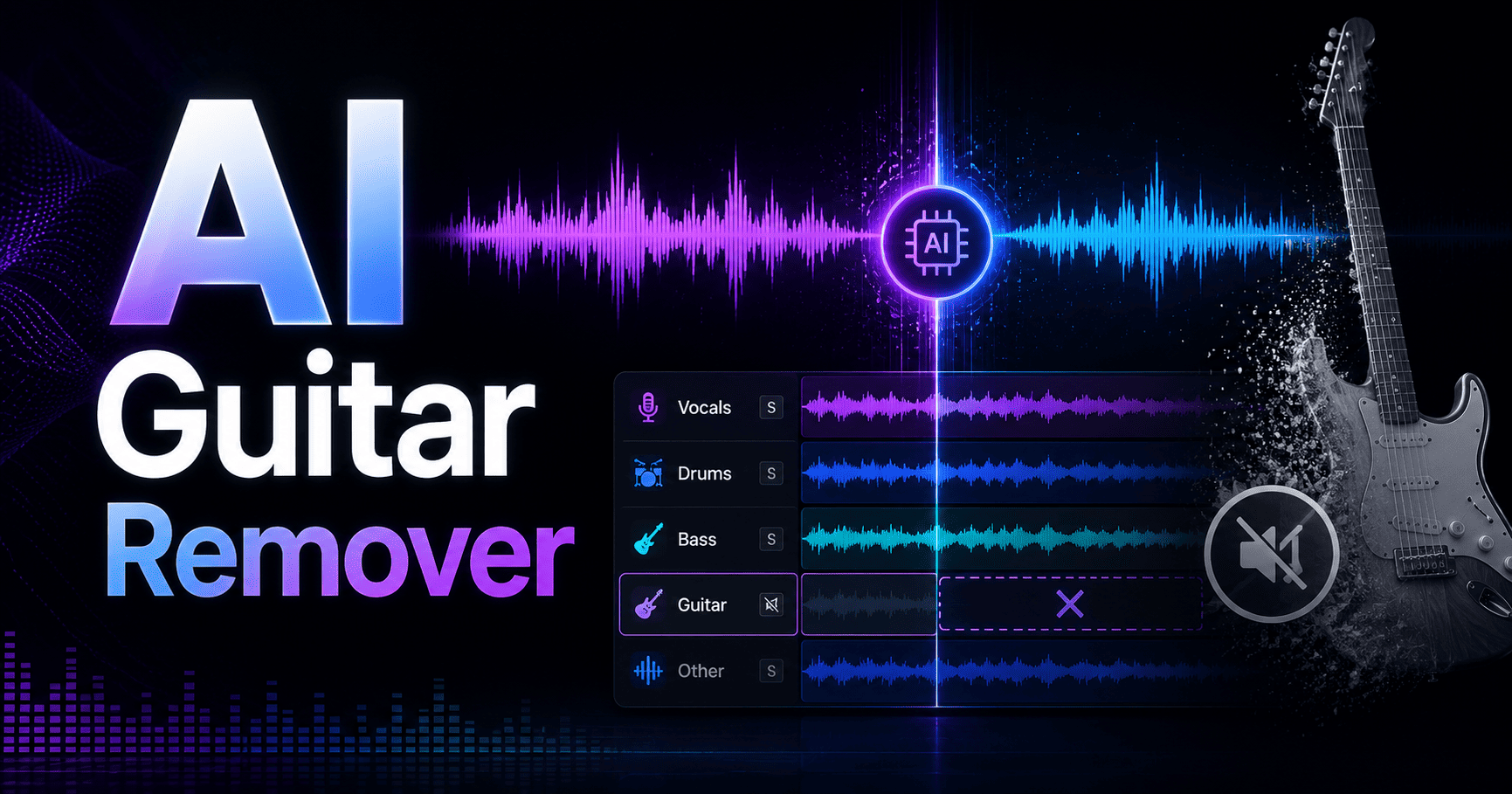
Upload your audio file, let advanced AI separate the guitar from the mix, then download a guitar-free version or isolated guitar track ready for practice, remixing, covers, karaoke, or custom backing tracks.
Finally, an AI Guitar Remover Built for Music Producers
Trying to remove guitar tracks by hand is slow, frustrating, and usually messy. Manual editing with EQ cuts, phase tricks, and filters can damage vocals, bass, drums, piano, harmonies, and other instruments before you ever get a clean backing track.
Beats To Rap On’s AI Guitar Remover was built to solve that problem. Instead of spending hours inside complex audio editing software, you simply upload your audio, let artificial intelligence analyze the song, and download a guitar free audio version in seconds.
Use it to remove guitar from a song, isolate guitar tracks, mute the original guitar track for your own playing, or create instrumentals for artists, musicians, producers, music lovers, and content creators. No expensive software. No technical setup. No compatibility issues. Just fast guitar removal online.
Why Our AI Guitar Remover Works
Here’s what makes our online AI guitar remover different from basic filters and traditional editing tools:
- Advanced AI stem separation – AI guitar removers analyze stereo mixes and isolate or strip out guitar frequencies using machine learning algorithms.
- Clean preservation of the mix – AI guitar removal tools can accurately detect and remove guitar parts from songs while preserving other instruments and vocals, ensuring a natural sound quality.
- Fast processing – Users can upload audio files in various formats such as MP3, WAV, and M4A to AI guitar removal tools, which process the files and deliver guitar-free versions in seconds.
- Acoustic and electric support – AI models for guitar separation are trained on thousands of hours of audio, allowing them to distinguish guitars from other instruments across acoustic guitar, electric guitar, rhythm, and lead parts.
- Precision with minimal artifacts – Neural networks are used in AI tools to facilitate precise splitting for various instruments, including guitars.
Our AI guitar isolator uses specialized deep learning algorithms that can identify and reconstruct specific instrumental waveforms. That means it can separate instruments with more precision than manual editing, whether you want to isolate guitar, remove guitar parts, isolate vocals, keep only drums, keep only bass, or prepare a clean version for remixing.
How It Works
Getting a guitar-free track does not require production expertise. The process is simple from upload to download.
Step 1: Upload Your Track
Upload your audio file in a supported format such as MP3, WAV, FLAC, M4A, AAC, or AIFF. The tool supports major audio formats, so you can work with files from your DAW, phone, sample folder, live recordings, or favorite songs.
Simply upload your audio using the drag-and-drop interface. The app recognizes your file instantly and prepares it for processing.
Your music stays protected through a secure upload process designed for unreleased tracks, private demos, beat ideas, and professional sessions.
Step 2: AI Processing
Once your file is uploaded, advanced machine learning analyzes the audio structure of the track. AI technology can analyze audio files and separate them into individual tracks, enabling users to create backing tracks by isolating or removing instruments like guitar, bass, or drums.
The AI identifies guitar frequencies, chord progressions, rhythm parts, lead lines, acoustic textures, and electric guitar layers while preserving vocals, drums, bass, voice, piano, and other instruments.
Processing typically completes in under 60 seconds, giving you an efficient way to remove guitar without spending hours editing waveforms by hand, and it fits naturally into AI stem splitter workflows for crafting professional rap beats.
Step 3: Download Your Results
Preview the guitar-free track before downloading so you can listen to the result and confirm the quality.
With each guitar removal, you can choose between the guitar-removed version and the isolated guitar stem. That gives you flexibility whether you want to practice without the original guitar track, study the guitar parts, sample a riff, or create custom arrangements.
Download high-quality audio output that is ready for your production workflow, jam session, lesson, video edit, remix, or live performance, and then run it through our free AI WAV and MP3 mastering tools if you want an instant loudness and clarity boost.
What Makes Us Different
Most tools remove instruments. Beats To Rap On helps producers create music faster.
- Built for hip-hop, trap, drill, Afrobeats, and urban production – Many producers need space for new melodies, drums, vocals, and 808s. Our AI guitar tool helps remove guitar clutter without ruining the groove.
- Part of a complete production ecosystem – Use the guitar remover alongside our royalty-free rap, trap, and hip hop beat marketplace, stem tools, and production workflow instead of jumping between disconnected apps.
- Flexible pricing – No subscription required if you only need one track. Pay only for what you use, or upgrade when your workflow demands it.
- Creative sampling and remixing support – AI tools can be leveraged for creative sampling and remixing by allowing producers to extract specific guitar riffs from recordings.
- Professional workflow without professional-grade complexity – The most effective AI tools for isolating guitar tracks fall into categories such as cloud-based web apps, free open-source software, and built-in DAW features. Our online guitar remover gives you the convenience of a cloud-based web app without forcing you to install open-source software or configure built-in DAW features.
Creating custom backing tracks involves removing specific instruments, such as guitar, from songs to allow musicians to practice or perform with a tailored audio experience, or pairing them with AI vocal extraction and marketplace services for more advanced projects. With Beats To Rap On, that workflow is direct: upload, process, preview, and download.
If other tools make you fight the mix, we help you get back to creating.
Proof That It Works
Results matter more than claims.
“I had a guitar loop clashing with my 808 and vocal pocket. I uploaded the song, removed the guitar track, and had a clean backing track ready before I even finished arranging the drums.”
- Marcus J., Trap Producer
“I used it to remove guitar from a sample and then replayed my own playing over the track. The isolated version also helped me study the original chord progressions before making the remix.”
- Alina R., Independent Artist
Typical results include:
- 95%+ guitar removal accuracy on professionally mixed tracks
- Under 60-second processing for most standard-length songs
- Two useful outputs: guitar free audio and isolated guitar
- Before/after clarity for producers who need to hear exactly what changed
AI-powered tools for instrument isolation can handle various audio formats, including MP3, WAV, and FLAC, making them versatile for different user needs and part of a broader ecosystem of AI stem splitters and vocal removers. For best quality, use WAV or FLAC when available, especially if the track includes dense guitars, layered vocals, background noise, or heavy effects.
Who It’s For
Beats To Rap On’s AI Guitar Remover is ideal for:
- Hip-hop and trap producers creating custom backing tracks without guitar parts competing with drums, bass, vocals, or melodies.
- Artists and beat-makers who want to remove guitar from samples, extract riffs, create covers, or build new arrangements as part of their at-home rap beat production workflow.
- Musicians practicing their own playing without the original guitar track overpowering the mix.
- Music educators teaching rhythm, lead lines, chord progressions, vocal techniques, and arrangement details.
- Content creators needing guitar-free versions for videos, karaoke, instrumentals, social clips, and background music.
AI guitar removers are commonly used by musicians for practice, allowing them to focus on their playing without the original guitar track overpowering the mix. AI guitar removal technologies can also aid musicians in practice by isolating guitar parts or creating high-quality backing tracks.
Whether you want to jam over a favorite song, isolate a guitar solo for analysis, use a free AI vocal remover to remove vocals from a reference, or separate instruments for remixing, this tool gives you a faster way to create.
Pricing & Plans
Choose the plan that matches how often you create.
Basic Plan – For Individual Tracks
Perfect for occasional use.
Includes:
- Pay per track processed
- Guitar-free version
- Isolated guitar track
- Preview before download
- Support for major audio formats
$2.99 per guitar removal
Producer Plan – For Regular Use
Designed for active producers who create, sample, remix, and practice every week.
Includes:
- 20 guitar removals per month
- Access to the beat library
- Guitar-free and isolated guitar downloads
- Faster processing queue
- High-quality export options
$19.99/month
Studio Plan – For Professional Workflows
Built for studios, engineers, producers, educators, and serious creators.
Includes:
- Unlimited guitar removals
- Priority processing
- Premium support
- Full access to all AI tools
- Full access to marketplace features
- Professional workflow support for backing tracks, remixes, and instrumentals
$49.99/month
If you only need to remove guitar from one song, start with Basic. If guitar removal is part of your weekly production process, Producer or Studio gives you more room to create.
Frequently Asked Questions
How accurate is the guitar removal?
Our AI Guitar Remover delivers 95%+ accuracy on many professionally mixed tracks, with minimal artifacts and strong preservation of vocals, bass, drums, piano, and other instruments.
AI tools can analyze audio files to isolate specific instruments, such as guitar, allowing musicians to create custom arrangements or practice without the original guitar track. However, some songs are harder than others. Acoustic guitars share overlapping frequencies with pianos and vocals, which can cause minor tracking bleed. Heavy electric guitars with high distortion can blend complex harmonics into drums and synth layers, making isolation challenging.
For the cleanest results, upload the highest-quality audio file available.
What audio formats do you support?
Supported formats include MP3, WAV, FLAC, M4A, AAC, and AIFF.
AI-powered guitar isolators can process various audio formats, including MP3, WAV, and M4A, making them versatile for different music production needs. The platform automatically detects the format, prepares the file, and converts it for AI processing when needed.
For professional work, WAV or FLAC is recommended because these formats preserve more audio detail than low-bitrate compressed files.
Can I get both the guitar-free track and isolated guitar?
Yes. Each processing includes both outputs:
- A guitar-free track with the guitar removed from the mix
- An isolated guitar stem for listening, learning, sampling, or remixing
The process of creating backing tracks typically involves uploading an audio file, using AI to remove the desired instrument, and then downloading the resulting guitar-free track for practice or performance. You can access both versions from your results screen after processing.
Is my music secure?
Yes. Uploads are encrypted, and files are automatically deleted after 24 hours.
Your unreleased music, demos, private sessions, live recordings, and production files stay protected. The tool is designed for producers and artists who need fast AI guitar processing without giving up privacy.
Get Started Today
Stop fighting with manual editing and start creating clean backing tracks in seconds.
Upload your song, remove guitar parts with advanced AI, preview the result, and download the version you need for practice, remixing, covers, karaoke, sampling, or production.
Free preview before download. No long-term commitment. No hidden fees. Just fast, high-quality guitar removal built for modern music creators.