
MIDI is the closest thing music has to “source code.” It’s not audio. It’s instructions: which notes happen, when they happen, how hard they hit (velocity), what instrument plays them, and how performance controls (like modulation or sustain) move over time. MIDI stands for Musical Instrument Digital Interface, a standard that enables communication between computers, virtual instruments, and other devices for digital music production. That’s why a MIDI editor online is so useful: you can open a file anywhere, inspect what’s actually inside, make precise changes, and export a clean MIDI that behaves the way you want in any DAW or instrument. Online MIDI editors leverage the Web MIDI API to connect with MIDI hardware and virtual instruments directly in the browser, making it easy to create and manipulate musical data.
This guide is a practical, end-to-end walkthrough of how to edit MIDI online. Users can start creating music instantly online without any downloads or installation of software, making the process fast and accessible. It covers what features matter most, and how to avoid the common traps that make MIDI files sound robotic, messy, or “wrong” when imported into your workflow.
Modern online MIDI editors offer cloud storage and collaborative features, allowing users to access their projects from anywhere and work together in real time.
What a MIDI Editor Online Actually Does
A MIDI editor online is a browser-based tool that lets you:
- Open and inspect MIDI (think: an online MIDI viewer + timeline)
- Read MIDI structure (tracks, channels, tempo map, time signatures) — like an online MIDI reader
- Import existing MIDI files for editing, remixing, or cleaning up tracks
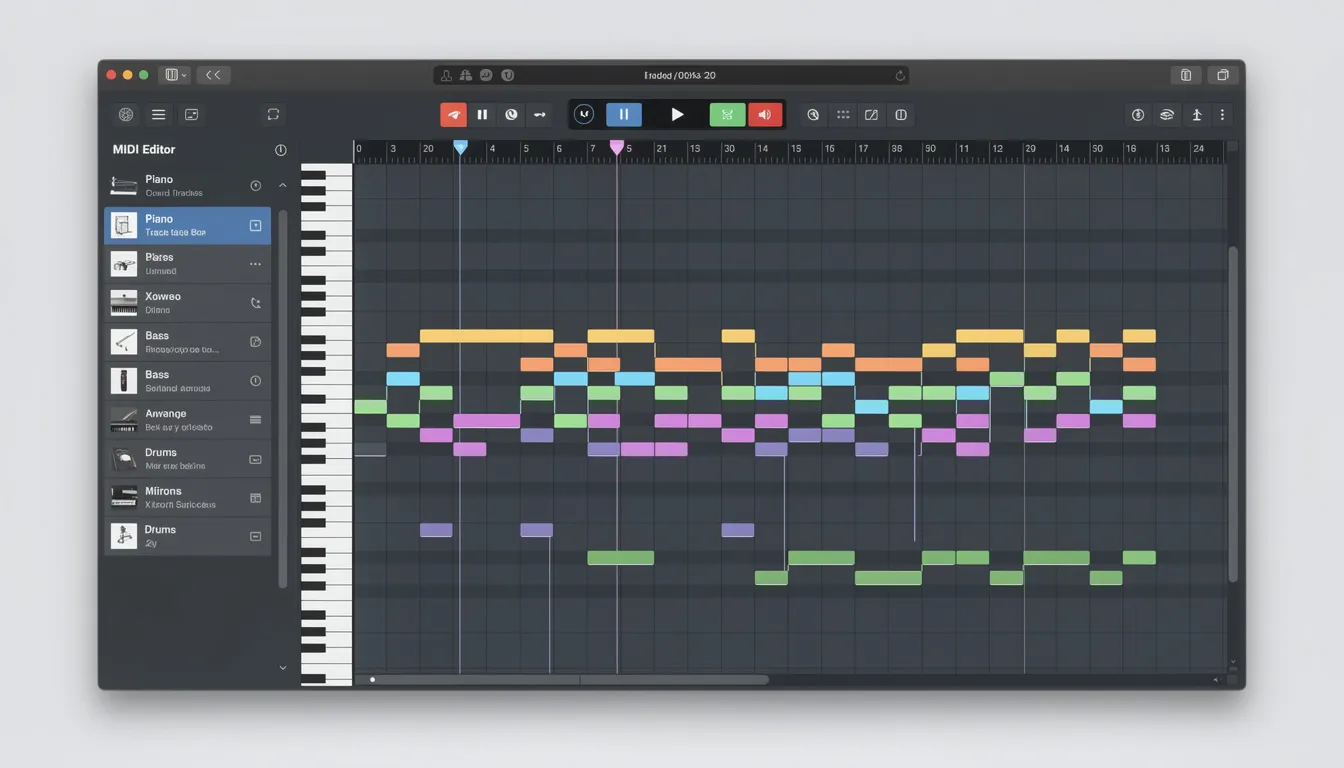
- Edit notes in a comprehensible piano roll (pitch, start time, length) to easily create melodies and beats
- Edit performance data (velocity, pitch bend, modulation, sustain, expression)
- Assign virtual instruments to tracks and manipulate digital sounds for flexible music production
- Fix timing (quantize, nudge, swing, humanize)
- Connect a MIDI keyboard for real-time input and recording performances
- Export a corrected MIDI file you can drop into Ableton, FL Studio, Logic, Cubase, Studio One, etc.
A good online editor is basically a “portable MIDI surgery room” for cleaning files before they hit your main production environment. Online MIDI editors allow users to import existing MIDI files, create melodies and beats with a comprehensible piano roll, assign virtual instruments, connect MIDI keyboards, and manipulate musical data and digital sounds using intuitive tools.
Why “Online” Is a Big Deal for MIDI
Using a midi online editor has some clear advantages:
You can work directly in your browser, which means no downloads or installations are required. This saves time and makes it easy to get started. You can start creating music immediately online without any setup, making the process fast and convenient.
Online MIDI editors provide instant access to your projects from any computer or device, so you can pick up where you left off no matter where you are.
2.1 Speed and Convenience
With an online MIDI editor, you don’t need to worry about software updates or compatibility issues. Everything runs in your browser, so you’re always using the latest version. You can start creating music immediately online without setup, making it easy to jump right into your creative process.
2.2 Cross-Device Workflow
Online MIDI editors are designed to work across different devices, including your computer, tablet, or even smartphone. This flexibility means you can start a project on one device and continue editing on another. Cloud storage enables seamless access and editing from multiple devices, ensuring your projects are always available wherever you go.
MIDI technology also allows you to connect and communicate with various devices, such as virtual instruments, MIDI controllers, and other devices, making your workflow more versatile.
2.3 Collaboration
Many online MIDI editors offer collaboration tools, allowing you to share your work with others or invite collaborators to edit your project. Collaborative features allow multiple users to work on the same project in real time, making teamwork easy and efficient.
Cloud storage in online MIDI editors ensures that users can access their music projects from anywhere, making sharing and collaboration even more convenient.
1) Speed and convenience
If you just need to quickly check what’s in a file—key range, chord rhythm, drum pattern, tempo—opening a full DAW is overkill. With an online MIDI editor, you can start creating music instantly and access your projects from anywhere, all without downloads or installations. An online MIDI viewer gives you instant clarity.
2) Cross-device workflows
Producers sketch on laptops, test on desktops, collaborate over cloud folders, and sometimes need to make changes on a different machine. With cloud storage, you can access and edit your music projects from any device, including laptops, desktops, and other devices. A MIDI editor online keeps you unblocked.
3) Collaboration and validation
When you’re sharing MIDI packs, sending parts to session players, or working with multiple collaborators, you often need to validate that:
- The file isn’t full of weird CC garbage
- Notes aren’t overlapping or stuck
- Drums are on the right channel
- Velocity isn’t flattened to a single value
Many online MIDI editors now offer collaborative features, enabling multiple users to work on the same music project in real time.
A browser editor is perfect for quick QA, and it fits naturally a longside the best AI tools for rappers and music producers in 2025 in a modern, tech-driven workflow.
4) “Read first, edit second”
Most MIDI problems are invisible until you look at the file. The moment you run it through an online midi reader, you’ll spot the issues: off-grid notes, doubled tracks, inconsistent velocities, messy sustain, wrong tempo map.
Core MIDI Concepts (So Your Edits Actually Work)
If you understand these, you’ll stop “guessing” and start making changes that translate across instruments and DAWs.
MIDI files contain musical data such as notes played, tempo, and controller messages. This musical data enables communication between virtual instruments and software, allowing you to create, edit, and manipulate digital sounds for music production.
In section 3.4, after listing common CC messages, remember that controller messages allow you to manipulate digital sounds and parameters in real time, such as adjusting volume, modulation, and effects during performance or production.
MIDI mapping enables users to control software parameters using external MIDI controllers, knobs, and faders. Additionally, MIDI editors can be used to create a MIDI sequence of notes that will be played by a virtual instrument of your choice.
Notes: pitch, start, length
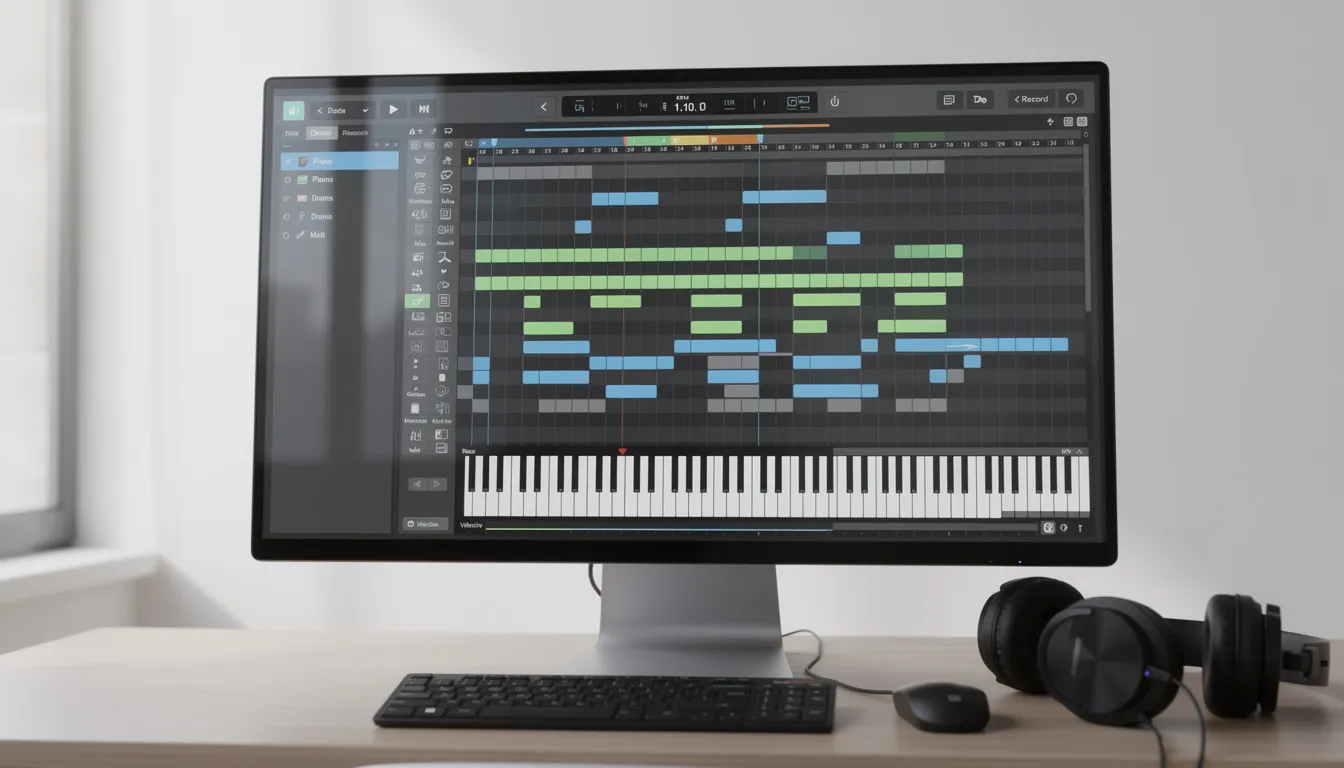
The piano roll shows note blocks:
- Pitch: vertical position (C3, F#4, etc.)
- Start time: where the note begins
- Length: how long it lasts
The piano roll interface makes it easy to compose and edit melodies by placing and adjusting notes. With a MIDI editor online, you can create melodies and build a MIDI sequence of notes that will be played by a virtual instrument of your choice.
Velocity: how hard the note hits
Velocity strongly affects:
- Loudness (often)
- Tone (especially in sampled instruments)
- Articulation/attack (drums, pianos, plucks)
Channels vs tracks
- Tracks are containers in the file.
- Channels are routing lanes (1–16) for instruments.
A common issue: tracks are separated, but everything is still on channel 1.
CC (Control Change) data
Common CC messages:
- CC64 sustain (piano pedal)
- CC1 modulation (often vibrato/intensity)
- CC11 expression (musical dynamics)
- CC7 volume (overall channel level)
These controller messages are used to manipulate digital sounds and performance parameters in real time, allowing users to shape and control the musical expression within a MIDI editor online.
If a MIDI file sounds “washed out” or “choked,” CC data is often the reason.
Tempo and time signature maps
MIDI can store tempo changes. If your file drifts or imports “wrong,” the tempo map might be messy or conflicting.
What to Look For in the Best MIDI Editor Online
Not all tools are equal. If you want to edit MIDI online seriously, look for these features:
A clear, user-friendly piano roll editor is essential for visualizing and editing notes, making it easier to compose and refine your music.
4.1 Piano Roll
A comprehensible piano roll is the heart of any MIDI editor online. It lets you draw, move, and delete notes to create melodies and harmonies with precision.
4.2 Editing Tools
Look for robust editing tools—copy, paste, transpose, velocity adjustment, and more. Quantization tools are also important, as they automatically snap notes to the grid for timing correction and a polished sound.
4.3 Note Input
You should be able to input notes by clicking, using a MIDI keyboard, or importing files. Step sequencing is a valuable feature for precise, click-based input, especially when programming drums and arpeggios.
4.4 Recording
The best MIDI editors allow you to record performances in real time. MIDI I/O support is crucial, enabling you to connect MIDI keyboards and controllers for direct recording and playback.
4.5 Track Management
Multi-track support is necessary for managing complex arrangements, letting you edit multiple MIDI tracks simultaneously for layered compositions.
4.6 Export Options
You should be able to export your creations as standard MIDI files and WAV files, making it easy to use your work in other software or share it with collaborators.
4.7 Privacy & Sound
Some online MIDI editors process everything locally for privacy. Many also support SoundFonts, allowing you to load custom sounds and expand your sonic palette.
The best online MIDI editors may also include advanced features such as an AI MIDI studio or AI MIDI generator for efficient composition, a virtual instrument library for built-in sound auditioning, a graph editor for visual editing of tempo and musical parameters, advanced tempo and time signature options, and collaborative tools for working with others—exactly the kind of capabilities covered in this guide to elevating your sound with online music tools and tips.
1) A real piano roll (not just playback)
You want:
- A comprehensible piano roll that makes it easy to create melodies and edit notes visually—most online MIDI editors provide a clear, user-friendly piano roll editor for this purpose.
- Resize notes
- Drag notes
- Multi-select
- Copy/paste
- Zoom precision (bar/beat/tick level)
2) Velocity editor
Essential for making MIDI feel musical:
- Per-note velocity bars
- Draw tool / ramp tool
- Randomize within a range
- Compression/normalization (e.g., bring extremes closer)
Quantization tools automatically snap notes to the grid for timing correction, helping ensure your MIDI performance stays rhythmically accurate.
3) Quantize + groove controls
Quantize should include:
- Grid resolutions (1/4, 1/8, 1/16, triplets)
- Strength (0–100%)
- Swing
- Humanize (random micro-variations)
Step sequencing facilitates precise click-based input, making it ideal for programming drums and arpeggios.
4) Controller lanes (CC editing)
If you work with expressive instruments, you need CC lanes:
- Sustain cleanup
- Modulation curves
- Expression shaping
- Pitch bend smoothing
Many online MIDI editors also offer MIDI I/O support, allowing you to connect MIDI keyboards and controllers to record performances. Additionally, MIDI mapping lets you control software parameters using external MIDI controllers, knobs, and faders.
5) Track and channel management
You should be able to:
- Mute/solo tracks
- Split by channel
- Rename tracks
- Merge tracks
- Reassign channels
6) Export that stays clean
A common failure: you edit notes, export, then the file is bloated with unnecessary CC events or broken tempo data. The best tools export clean MIDI that imports predictably.
Most online MIDI editors also let you export your work as standard MIDI files or audio files such as WAV files.
7) Privacy and local processing (bonus)
Some editors run fully in your browser (local processing). That matters if you’re working with unreleased music.
Additionally, many online MIDI editors support SoundFonts, allowing you to load custom sounds for personalized music creation.
Step-by-Step: How to Edit MIDI Online (A Practical Workflow)
Here’s a workflow you can use every time.
- Start by creating a new project or import existing files by dragging and dropping your standard MIDI file (.mid) into the online MIDI editor. This allows you to quickly begin editing, composing, or integrating your music within your digital audio workstation (DAW).
- Use the piano roll to edit melodies, harmonies, and rhythms. You can also use AI tools in the MIDI editor to help compose and refine your music more efficiently.
- Assign tracks to virtual instruments such as pianos, drums, or synthesizers to experiment with different sounds and arrangements.
- Add effects and adjust parameters. Use automation lanes to create dynamic changes in volume and panning over time.
- Export your finished track as a MIDI file or audio file for use in other software.
Collaborative features in online MIDI editors enable real-time editing and project access from any device, making it easy to work together with others on your music projects.
Step 1: Open the file in an online MIDI viewer first
Before you change anything, import your existing files by dragging and dropping any standard MIDI file (.mid) into the online MIDI editor. Then inspect:
- Number of tracks
- Which track is melody vs chords vs drums
- Note ranges (is the bass actually bass range?)
- Velocity pattern (flat or dynamic?)
- Tempo map (constant or messy?)
This is the “online midi reader” stage: understand what’s there before touching it.
Step 2: Fix obvious structural problems
Common fixes:
- Wrong tempo: set a correct base tempo if the file is unlabelled.
- Time signature mismatch: if a loop is 3/4 but your grid is 4/4, editing becomes painful.
- Channel confusion: assign drums to a drum channel if your workflow expects it.
Many online MIDI editors now offer AI tools that can help identify and fix structural issues in your MIDI files, making the editing process faster and more efficient, especially for genres like hip-hop where AI tools for producers in 2025 are reshaping how beats and arrangements come together.
Step 3: Clean note timing (without killing groove)
Start with a gentle quantize:
- Quantize strength: 50–80% (not 100% unless it’s meant to be robotic)
- Resolution: pick what matches the rhythm (16th notes for hats, 8th for basic chords)
- Keep an ear out: if the groove collapses, reduce strength or use swing/humanize.
You can also use automation lanes to create dynamic changes in timing or volume, making your performance more expressive.
Step 4: Remove overlaps and “impossible” notes
Watch for:
- Notes that overlap on monophonic parts (bass, lead)
- Duplicate notes stacked on the same pitch (unintended doubles)
- Notes that are so short they become clicks or don’t trigger properly
Step 5: Correct note lengths (this matters more than people think)
Bad MIDI often has:
- Chords that end too early (sounds choppy)
- Notes that run too long (causes smearing)
- Bass notes that overlap into the next chord (mud)
Trim or extend note ends so the part breathes correctly.
Step 6: Shape velocity into something musical
This is the difference between “MIDI pack” and “performance.”
For drums:
- Kicks consistent but not identical
- Snares consistent with slight variation
- Hi-hats: alternate velocity patterns (e.g., downbeats stronger)
For keys/plucks:
- Chords: top note slightly stronger (adds clarity)
- Arps: subtle crescendos every bar or two
A quick trick: if everything is velocity 100, you don’t have music—you have typing.
Step 7: Clean sustain (CC64) and expression (CC11)
If sustain is messy, you’ll get:
- Blurred chords
- Hanging notes
- Mushy transitions
Make sustain intentional:
- Pedal down for the musical phrase
- Pedal up right before chord changes (unless legato is desired)
Step 8: Export and test in your target instrument
Always test in the environment that matters:
- Your piano plugin
- Your drum sampler (with your mapping)
- Your synth
- Your DAW’s tempo grid
You can export your work from online MIDI editors in various formats, such as standard MIDI files and WAV files. Collaborative features also allow you to share and edit projects with others in real time, enabling seamless project access and editing from any device.
If it breaks here, go back and adjust tempo map, channels, or CC lanes.
“Make MIDI Online”: Creating Parts From Scratch in a Browser
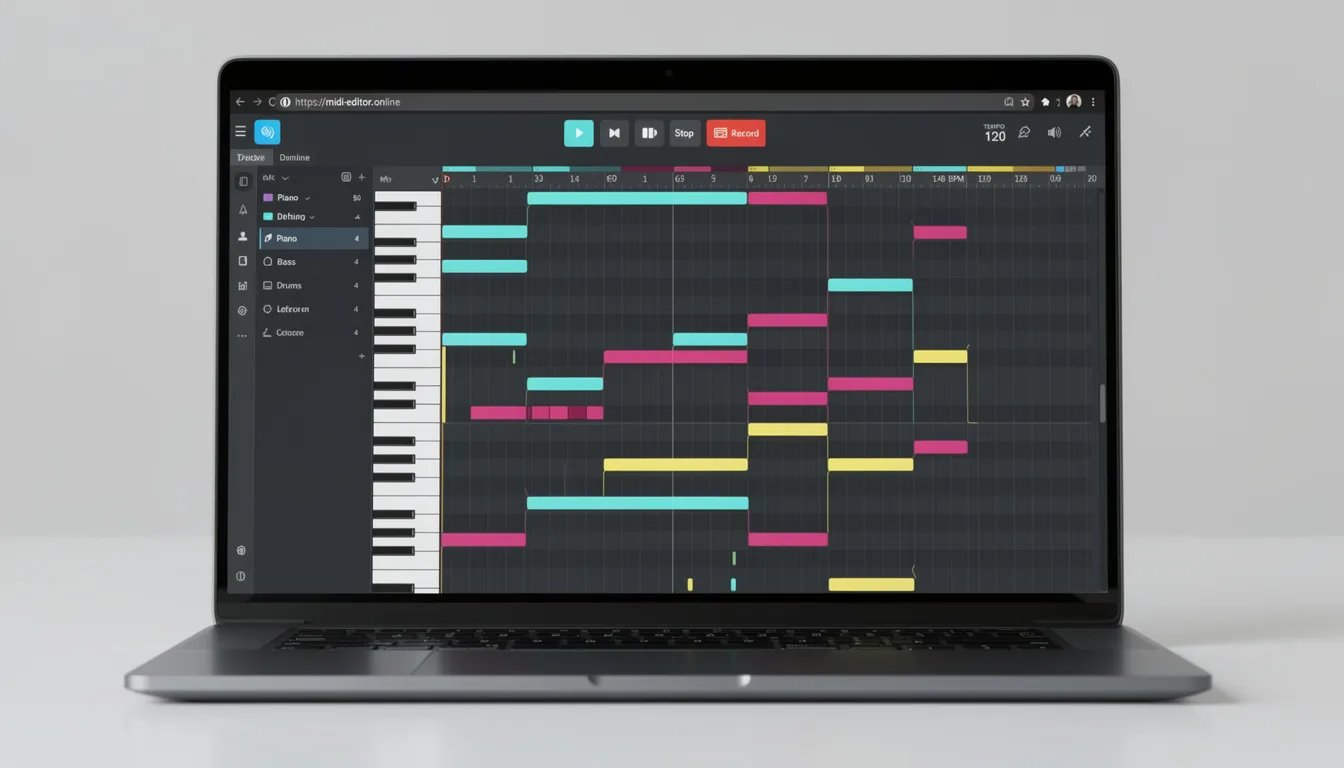
A MIDI editor online isn’t only for fixing files. You can also make MIDI online—build parts directly in a piano roll. Online MIDI editors provide a platform for music creation, allowing users to compose, create melodies, and develop musical ideas from scratch.
Here’s a simple creation approach:
- Open your online MIDI editor and start a new project.
- Use the piano roll to add notes and create melodies or compose harmonies.
- Select from a variety of virtual instruments to shape your sound.
- Add drum sounds and beats using integrated tools like the Patterns Beatmaker.
- Adjust note velocity, timing, and pitch to refine your musical ideas.
- Save, export, or share your MIDI file for further music creation or collaboration.
For advanced music creation and editing, explore online MIDI generators and AI MIDI studios such as Soundtrap, OpenMusic MIDI Editor, and MIDIgen. These tools offer features like AI-powered MIDI editing, sequencing beats and melodies with virtual instruments, and parameter customization. They are accessible for beginners, support collaborative features, and allow you to create, edit, and remix songs entirely online, especially when combined with an AI lyrics generator for modern music production.
1) Start with chord blocks
- Place chords as whole notes or half notes
- Make sure voicings sit in the right range (don’t write piano chords in bass octave)
With an online MIDI editor, you can use the piano roll to compose musical ideas from scratch by adding notes, helping you build the foundation of your track and create a complete MIDI file.
2) Add a bassline that supports the root movement
- Keep it simple
- Avoid overlapping notes if you want tight low-end
- Use consistent note lengths
3) Add rhythmic interest with arps or top-line movement
- Copy chord tones into a rhythmic pattern
- Add passing notes sparingly
You can also use the Patterns Beatmaker to create custom beats and rhythmic patterns for your track, selecting from thousands of drum sounds to enhance your music, which pairs naturally with the principles in a definitive guide to hip-hop beatmaking from basics to pro level.
4) Add drums last (or first, depending on genre)
If you’re creating beat MIDI:
- Start with kick/snare pattern
- Add hats and percussion
- Select from a variety of drum sounds to customize your beat
- Use virtual instruments to enhance your drum patterns and experiment with different tones
- Use velocity patterns to create groove
This is where “midi online editor” tools can be surprisingly powerful: quick sketching without context switching.
Common MIDI Problems (and the Fixes)
Problem: “It sounds robotic”
Fix:
- Reduce quantize strength
- Use quantization tools with humanize settings to automatically snap notes to the grid while preserving natural timing
- Add slight timing variation (humanize)
- Add velocity variation
- Add swing where stylistically appropriate, keeping in mind the science of groove and beat neuroscience that underpins why these micro-timing moves feel so good.
Problem: “It’s out of key”
Fix:
- Identify the intended key (or choose one)
- Transpose notes into scale
- Remove accidentals that clash
- Re-check chord function after transpose
Problem: “Chords sound muddy”
Fix:
- Move chords up an octave
- Reduce note density (remove unnecessary chord tones)
- Shorten overlaps
- Shape velocity (top note a bit louder)
Problem: “Drums trigger the wrong sounds”
Fix:
- Your sampler’s drum mapping differs from the MIDI file’s note assignments.
- Use a MIDI drum sequencer to remap and customize drum patterns for compatibility with your sampler, allowing you to select and program the correct drum sounds, or combine it with AI tools for piano removal from tracks when you need cleaner stems to rebuild drums from scratch.
- Re-map notes (e.g., kick might be C1 vs C2 depending on standard)
- Or convert to your target mapping before export
Problem: “Notes hang or sustain forever”
Fix:
- Clean CC64 sustain data
- Ensure note-off events exist (some messy MIDI exports can be broken)
- Remove overlapping long notes that cause stuck behavior
Problem: “Tempo is wrong in my DAW”
Fix:
- MIDI tempo map conflicts with project tempo.
- Decide: follow MIDI tempo map or ignore it.
- If the file is meant as a loop, often you want a single constant tempo.
- Many online MIDI editors offer advanced tempo and time signature options, allowing you to adjust BPM settings and resolve tempo conflicts flexibly, which becomes crucial before sending a mix to AI-powered automated audio mastering services.
How to Use an Online MIDI Reader for Fast Analysis
Sometimes you don’t need edits—you need answers:
- What’s the chord progression?
- What’s the rhythmic density?
- How many tracks are in this pack file?
- Is the melody in a usable range?
- Is velocity dynamic?
An online midi reader use-case is “inspection mode.” With an online MIDI editor, you can inspect the musical data and see which notes are played in existing MIDI files before editing. This lets you review the details of the musical data—such as notes played, tempo, and controller messages—so you can decide if you need to fix errors, change the overall tempo, or create new versions of existing songs. If you do this before importing into a DAW, you save time and avoid dragging bad MIDI into your main projects and set yourself up for better results when using AI mastering algorithms on your audio.
Best Practices for Clean Export
If you want your edited file to behave everywhere:
- Remove unnecessary CC spam (some generators output huge CC streams)
- Keep tempo maps simple unless you truly need changes
- Name tracks clearly (Drums, Bass, Chords, Lead)
- Split by instrument role (don’t combine chords + lead in one track unless intentional)
- Check note ranges so instruments play naturally
Clean MIDI imports cleanly. Dirty MIDI creates hours of hidden problems.
When using a MIDI editor online, you can export your musical data as standard MIDI files or WAV files, ensuring your edits remain clean and compatible across different music production software, and then pass those mixes into free AI WAV and MP3 audio mastering software for a fast, polished finish.
FAQ: MIDI Editor Online
What’s the difference between an online MIDI viewer and an editor?
An online MIDI viewer is for playback and inspection. With a MIDI editor online, you can upload MIDI files for editing and use an AI MIDI generator to create new MIDI content. A MIDI editor online lets you actually change note data, velocity, timing, and controls, then export a new file.
Can I edit MIDI online on mobile?
Many browser tools work on mobile, but precision editing (selecting tiny notes, CC curves) is usually easier on desktop. Some online MIDI editor apps support install as a Progressive Web App (PWA), allowing you to add the app to your mobile device for a more seamless, app-like experience. If mobile matters, prioritize editors with strong zoom and touch controls.
Can I convert MP3/WAV to MIDI with an online MIDI editor?
A MIDI editor doesn’t convert audio to MIDI by itself. Audio-to-MIDI is a separate process (pitch detection/transcription) and often needs dedicated tools. Once you have MIDI, you can refine it in the editor.
What should I fix first when I edit MIDI online?
Start with structure and timing:
You can access and edit your MIDI files directly in your browser, with no software installation required.
- tempo/time signature alignment
- note timing cleanup (gentle quantize)
- note length cleanup
- velocity shaping
- CC cleanup (sustain/expression)
How do I make MIDI online that sounds human?
Use these:
- Quantize strength below 100%
- Micro timing variation (humanize)
- Velocity patterns (especially in drums)
- Intentional note lengths
- Expression/CC curves for sustained instruments
The Real Value: Control
When you use a MIDI editor online, you’re taking control of the “instructions” behind the music. Online MIDI editors empower music makers, musicians, and artists to manipulate digital sounds and musical data, giving them creative control over every aspect of their projects. That means you can:
- Fix broken pack files
- Clean up AI-generated MIDI
- Tighten grooves without sterilizing them
- Build better arrangements faster
- Export MIDI that’s portable across any instrument or DAW
If your goal is to edit MIDI online, view MIDI online, use an online MIDI reader, or make MIDI online, the winning approach is the same: inspect first, fix structure, preserve groove, shape velocity, clean controllers, and export a file that behaves predictably.